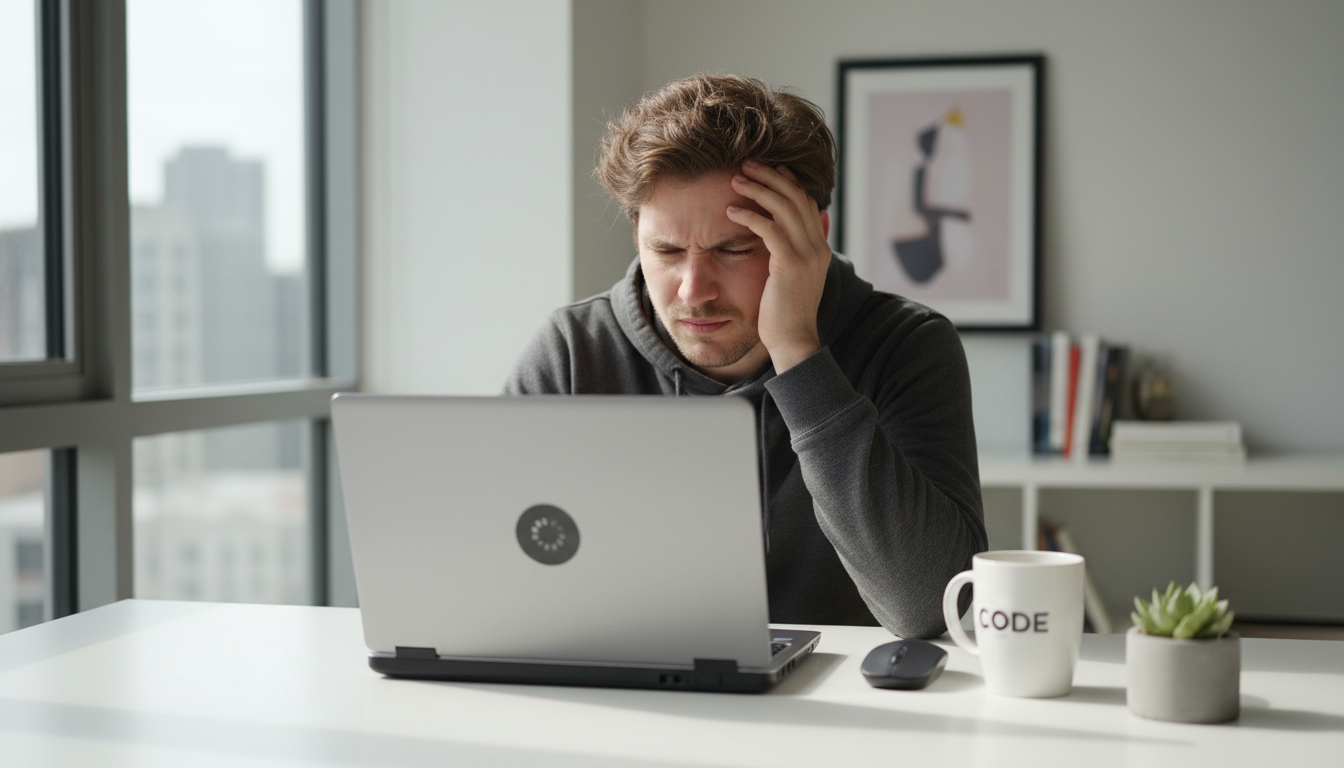
How to Speed Up a Slow Laptop in 2026 (Beginner-Friendly Guide)
Introduction
If your laptop has started to feel slow, unresponsive, or frustrating to use, you’re not alone. Over time, even powerful devices can lose their speed due to software clutter, background apps, and outdated settings.
The good news? You don’t need to buy a new laptop. In this guide, I’ll walk you through simple, practical steps you can apply today to make your laptop faster and smoother.
1. Restart Your Laptop the Right Way
Many people rarely restart their devices. Instead, they just close the lid. Restarting clears temporary memory and stops background processes that may be slowing your system down.
👉 Try restarting your laptop at least once every few days.
2. Disable Startup Programs
Some apps automatically launch when your laptop starts. Too many startup programs can seriously reduce performance.
On Windows:
- Press Ctrl + Shift + Esc
- Go to Startup
- Disable unnecessary apps
Focus on disabling apps you don’t really need immediately after booting.
3. Free Up Storage Space
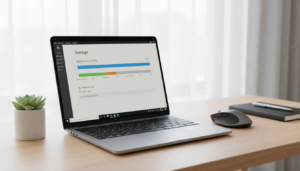
When your storage is almost full, your laptop slows down.
- Delete large unused files
- Empty the recycle bin
- Uninstall programs you don’t use
- Move photos and videos to cloud storage
Keeping at least 20% of your disk free can improve performance.
4. Update Your Operating System
Updates fix bugs and improve efficiency. Outdated systems can cause lag and compatibility issues.
Go to Settings → Update & Security and check for updates.
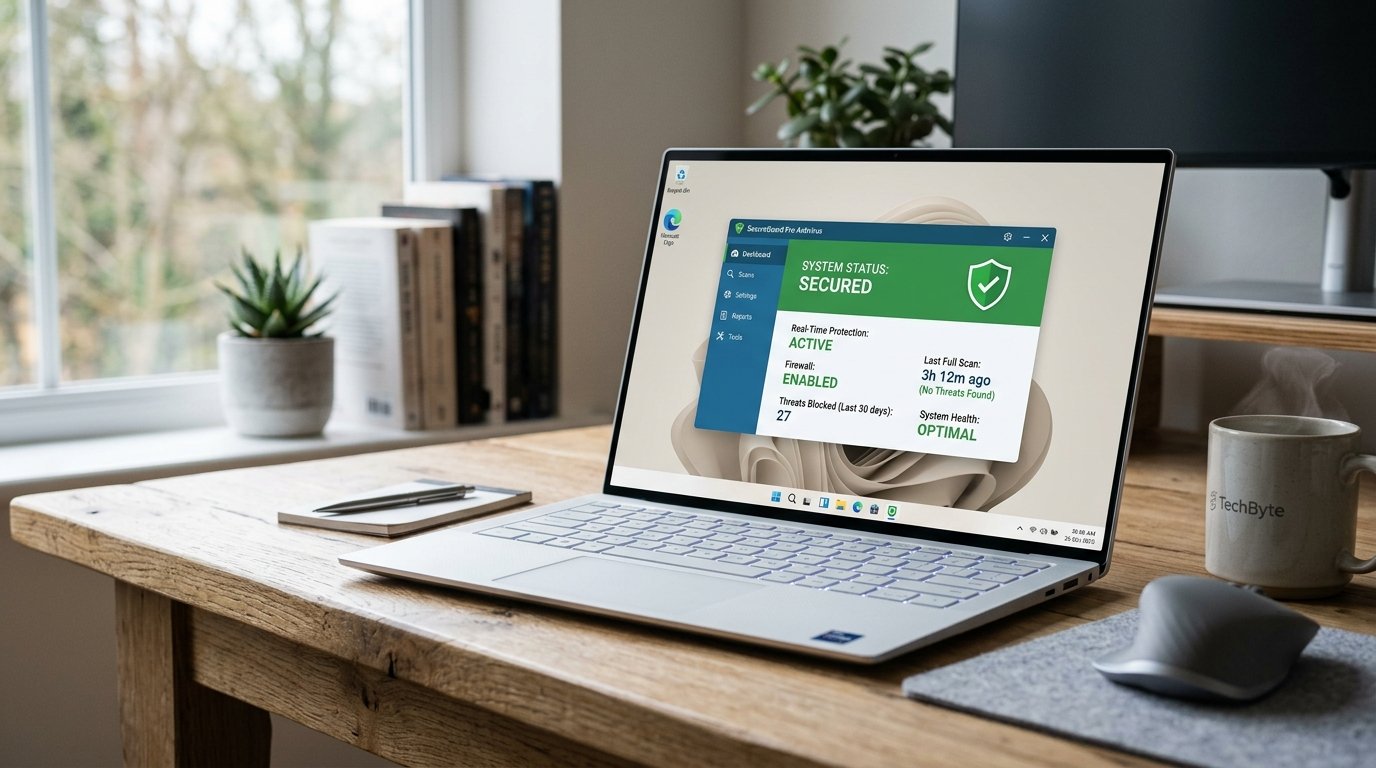
5. Scan for Malware
Viruses and unwanted software can silently slow down your device.
Use:
- Built-in Windows Security
- Or a trusted antivirus program
Run a full scan and remove threats.
6. Upgrade to an SSD (If Possible)
If your laptop still uses a traditional hard drive (HDD), switching to an SSD can dramatically increase speed.
This is one of the most noticeable performance upgrades you can make.
7. Add More RAM
If you often multitask or use heavy software, upgrading RAM may help.
Before upgrading:
- Check your laptop’s maximum supported RAM
- Make sure it’s compatible
Final Thoughts
A slow laptop doesn’t always mean it’s outdated. In most cases, small adjustments can significantly improve performance.
Start with the simple steps above. If needed, consider hardware upgrades like SSD or RAM. With the right approach, your laptop can feel almost new again.




Post Comment