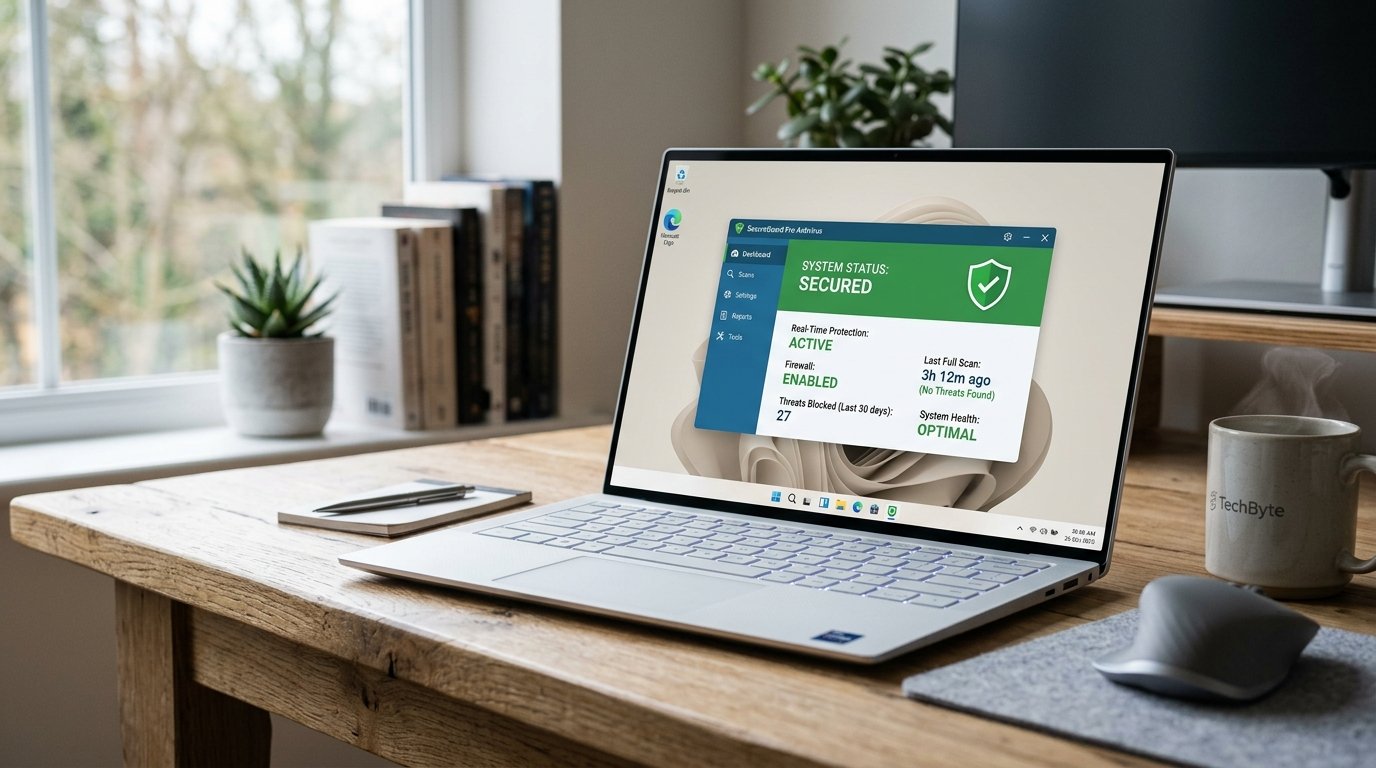
Best Free Antivirus Software for Windows (2026 Edition)
Windows remains the most widely used desktop operating system in the world. Its popularity makes it a frequent target for malware, ransomware, phishing attacks, and spyware. Although Microsoft includes built-in protection through Windows Security, many users look for additional layers of defense.
Free antivirus software can provide essential protection without financial cost. However, not all free solutions offer the same level of security, performance efficiency, or privacy standards. This guide analyzes the best free antivirus software for Windows in 2026, evaluating real-world protection, system impact, and usability.
Why Antivirus Software Is Still Necessary
Modern threats extend beyond traditional viruses. Current risks include:
- Ransomware encrypting files
- Phishing attacks stealing credentials
- Spyware tracking activity
- Trojans creating backdoor access
- Malicious browser extensions
Even cautious users remain exposed through email attachments, compromised websites, or software vulnerabilities. Antivirus software functions as a real-time monitoring system that detects suspicious behavior before damage occurs.
Evaluation Criteria
Each antivirus solution below is assessed using these standards:
- Real-time protection capability
- Malware detection accuracy
- System performance impact
- Update frequency
- Privacy transparency
- Usability and interface clarity
Only software with consistent testing performance and legitimate vendor reputation is included.
1. Microsoft Defender (Built-In Protection)
Microsoft Defender, included in Windows 10 and Windows 11, has improved significantly over recent years.
Strengths:
- Pre-installed and automatically enabled
- Strong real-time malware detection
- Low system impact
- Frequent security definition updates
Limitations:
- Limited advanced ransomware protection in free configuration
- Fewer customization options
For users who avoid risky browsing habits and maintain updated systems, Microsoft Defender provides sufficient baseline security without installing third-party tools.
2. Avast Free Antivirus
Avast Free Antivirus remains one of the most downloaded free security tools worldwide.
Strengths:
- Real-time malware protection
- Web shield for malicious site detection
- Email threat scanning
- Network vulnerability detection
Performance:
Moderate system resource usage during full scans.
Limitations:
- Promotional upgrade prompts
- Some advanced features locked behind premium version
Avast provides strong detection capability for users seeking broader protection layers beyond default Windows Security.
3. AVG AntiVirus Free
AVG shares the same core detection engine as Avast but offers a different interface design.
Strengths:
- Real-time malware blocking
- Ransomware protection
- Email and download scanning
Performance:
Light-to-moderate impact on system resources.
Limitations:
- Upgrade advertisements
- Limited advanced firewall configuration
AVG suits users wanting reliable malware detection with a simplified interface.
4. Bitdefender Antivirus Free
Bitdefender’s free version focuses strictly on core protection.
Strengths:
- Excellent malware detection rates
- Minimal system impact
- Automatic threat response
- Clean interface
Limitations:
- Limited configuration control
- No advanced customization in free version
Bitdefender Free is appropriate for users who prefer silent background protection without manual adjustments.
5. Avira Free Security
Avira’s free package combines antivirus with additional utilities.
Strengths:
- Real-time malware detection
- Limited VPN access
- Basic system optimization tools
- Password manager inclusion
Performance:
Slightly higher resource usage compared to lightweight competitors.
Limitations:
- VPN bandwidth restrictions
- Additional feature upsells
Avira appeals to users seeking bundled tools in a single free security package.
Comparison Overview
| Software | Real-Time Protection | System Impact | Extra Features |
|---|---|---|---|
| Microsoft Defender | Strong | Low | Built-in |
| Avast Free | Strong | Moderate | Web & Email |
| AVG Free | Strong | Moderate | Ransomware |
| Bitdefender Free | Excellent | Very Low | Minimal |
| Avira Free | Strong | Moderate | VPN + Tools |
Detection performance across all listed software meets modern baseline standards. The primary differences lie in additional features and system efficiency.
Free Antivirus vs Paid Versions
Free antivirus software typically includes:
- Real-time malware scanning
- Automatic definition updates
- Basic ransomware protection
Paid versions add:
- Advanced firewall controls
- Identity theft monitoring
- Dark web surveillance
- Parental controls
- Extended ransomware shields
For most home users practicing cautious browsing, free antivirus software provides adequate core protection.
Common Security Mistakes
Even with antivirus installed, users often create vulnerabilities:
- Ignoring system updates
- Disabling real-time protection
- Downloading cracked software
- Clicking unknown email attachments
- Installing browser extensions without verification
Antivirus software supplements user behavior. It does not replace responsible system management.
Performance Impact Considerations
Heavy antivirus programs can reduce system responsiveness, particularly on older hardware. Indicators of excessive impact include:
- Slower boot times
- Delayed application launches
- High CPU usage during idle periods
Bitdefender Free and Microsoft Defender typically maintain the lowest system impact in independent testing.
Privacy Considerations
Some free antivirus companies collect anonymized usage data. Reviewing privacy policies remains essential. Avoid software from unknown vendors lacking transparency or public security testing history.
Which Free Antivirus Is Best?
The best free antivirus software for Windows depends on system condition and user expectations:
- For built-in simplicity: Microsoft Defender
- For lightweight silent protection: Bitdefender Free
- For broader feature coverage: Avast or AVG
- For bundled utilities: Avira
Each option provides sufficient protection against common malware threats when updated regularly.
Conclusion
Free antivirus software in 2026 offers significantly improved protection compared to earlier years. Microsoft Defender now provides solid baseline defense, while third-party options enhance detection layers and web security.
Selecting the best free antivirus software for Windows requires evaluating performance efficiency, feature requirements, and privacy standards. Proper system updates, cautious browsing behavior, and real-time scanning collectively reduce exposure to modern digital threats.









Post Comment